
-
Products
Pen Display SeriesPen Tablet SeriesAccessories
- Enterprise
- Community
- Support

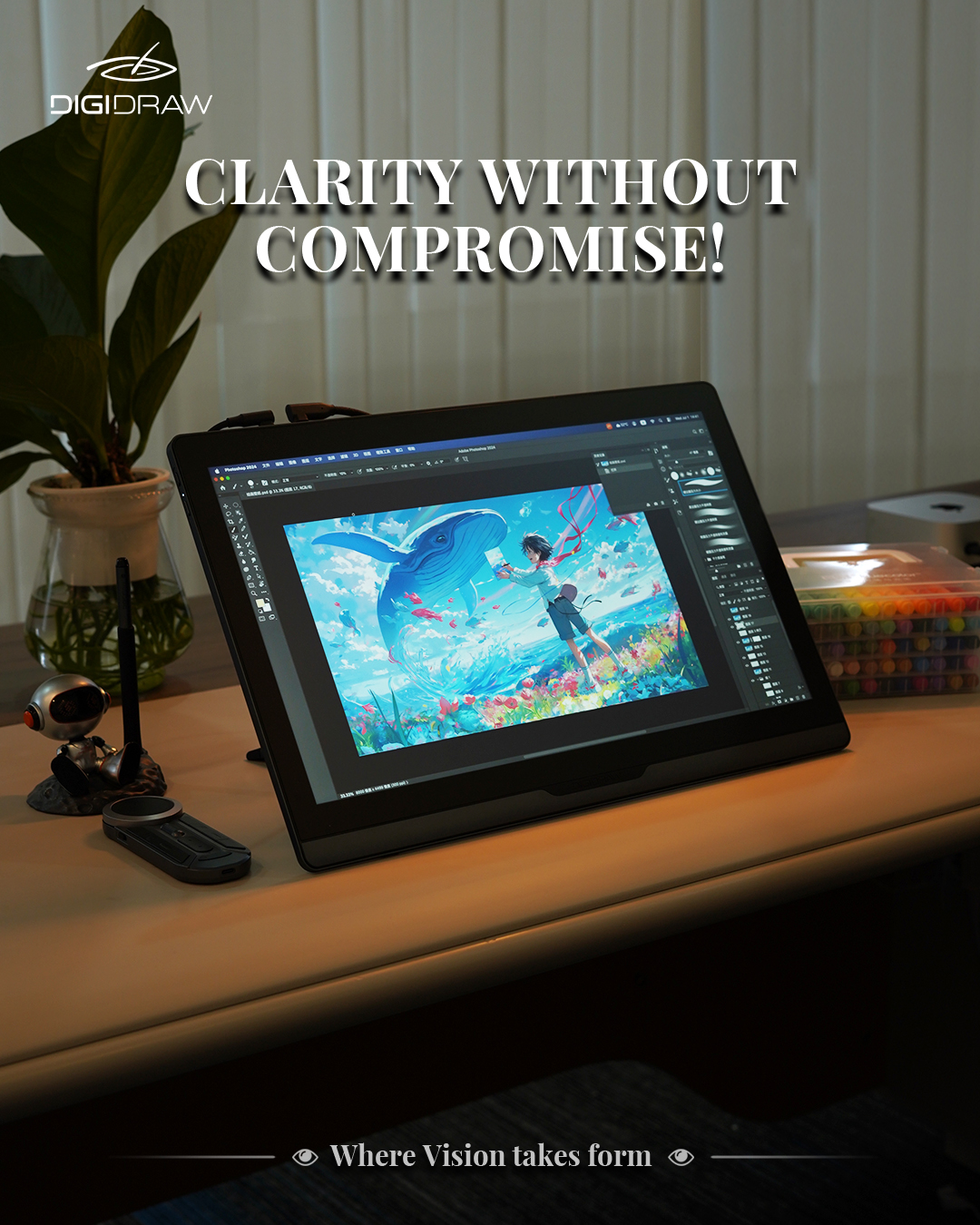 When people shop for a pen display, size is usually one of the first specifications they compare.
16 inches. 19 inches. 22 inches. 24 inches.
The natural assumption is that a larger screen must be better for professional work.
That is not always how a real creative setup works.
A very large display gives you more physical space, but it also takes up more of your desk and can become less convenient to move. A smaller display is easier to fit into different setups, but eventually you start giving up room for the canvas, tools, references, and other parts of your workflow.
Somewhere in between, there is a size that feels less like a compromise.
For many creators, 19 inches sits in an interesting middle ground: enough room for serious work, without turning the display into the entire workstation.
That is the idea behind the DIGIDRAW D1901.
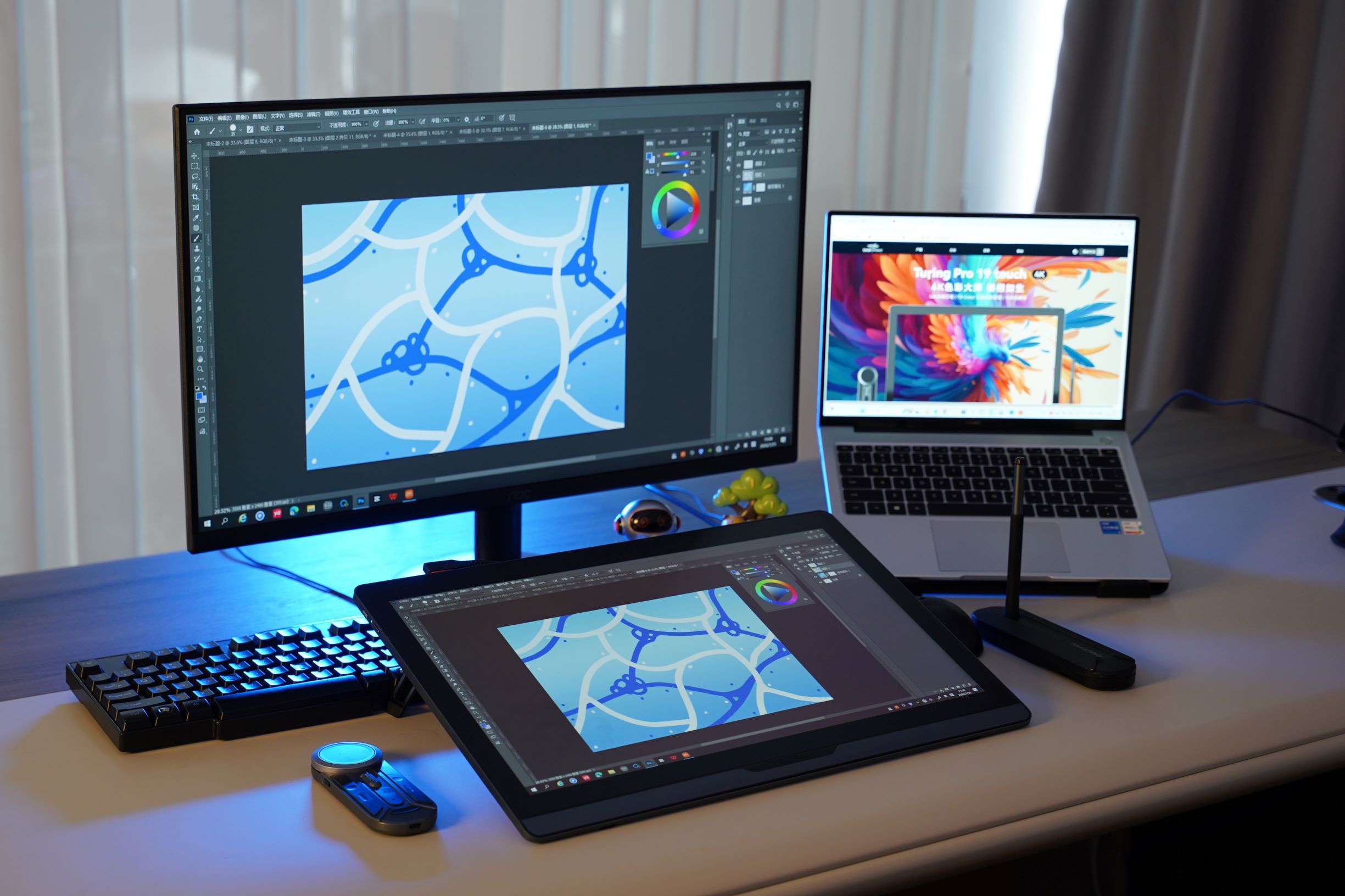 The useful question is not whether 19 inches is “big.”
It is what you can comfortably do with the available space.
A professional illustration workflow rarely consists of a blank canvas filling the entire display. There are brushes, layers, tool panels, reference images, timelines, menus and other controls competing for screen space.
A display that is too small can make those elements feel crowded.
But a much larger display has its own practical cost. It occupies more desk space and can be less convenient when you need to change your working position or move your equipment.
The D1901 has an 18.4-inch display with a 451.4 × 294.7 mm working area. That gives creators considerably more physical drawing space than compact pen displays while keeping the overall device at around 2 kg.
The point is not that 19 inches is the perfect size for everybody.
It is that the format makes sense for creators who want a substantial drawing surface without committing their entire desk to a much larger display.
The campaign brief behind the D1901T makes the same distinction: 19 inches is intended to provide enough room for detailed creative work while remaining relatively practical to move between different workspaces.
A larger working area only helps if you can actually see what you are doing.
That is where resolution becomes important.
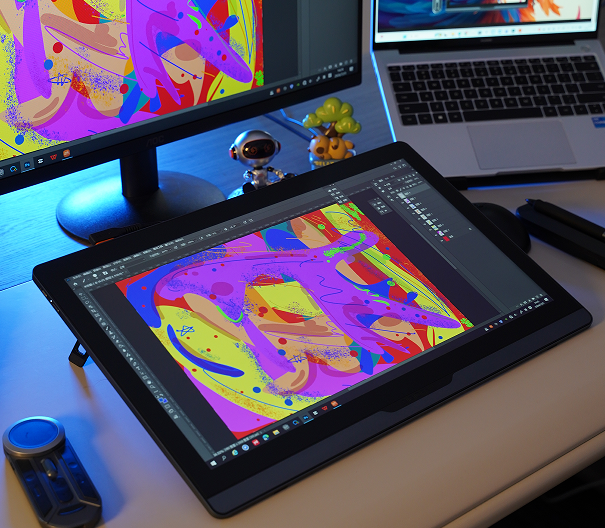
The D1901 uses a 3840 × 2160 UHD display, giving it true 4K resolution.
For digital artists, the advantage is fairly straightforward. Fine line work, textures and small visual details can occupy a significant amount of the canvas, particularly when working on illustration, concept art or detailed design.
The campaign brief specifically positions True 4K as the next step after discussing the 19-inch format, emphasizing the additional detail available for fine lines, textures and smaller elements.
There is another number worth paying attention to here: PPI.
At 238 PPI, the display packs a high density of pixels into a relatively compact professional workspace. That matters when your work includes thin lines, small interface elements or detailed textures.
Resolution tells you how many pixels are on the screen.
PPI gives you some idea of how densely those pixels are packed.
Both become more meaningful when considered together with screen size.
 For an illustrator, a line that lands in exactly the right place matters.
For a photographer, designer or concept artist, color matters just as much.
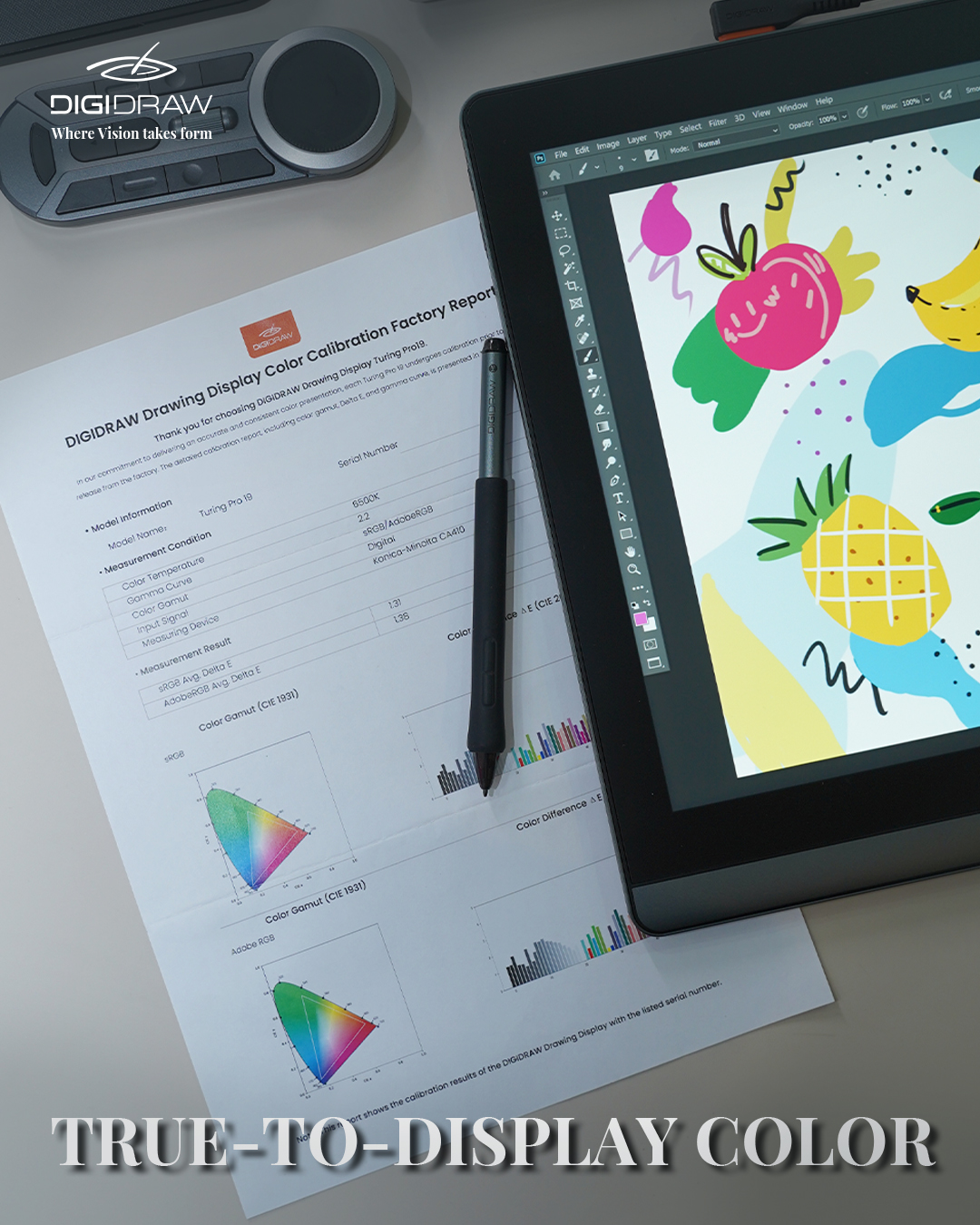
A display can show a wide range of colors and still reproduce those colors inaccurately. That is why professional creative displays usually need to be evaluated on more than gamut alone.
The D1901 is specified at:
99.8% sRGB
96% Adobe RGB
98% DCI-P3
Delta E < 1.3
Those numbers are relevant because creators working across different projects may need to judge subtle color differences rather than simply make an image look vivid.
The product brief also emphasizes professional color management and positions color consistency as part of the intended professional workflow.
For someone drawing casually, this may not matter very much.
For someone making artwork that will be delivered to clients, published, printed or viewed across multiple displays, color becomes much harder to ignore.
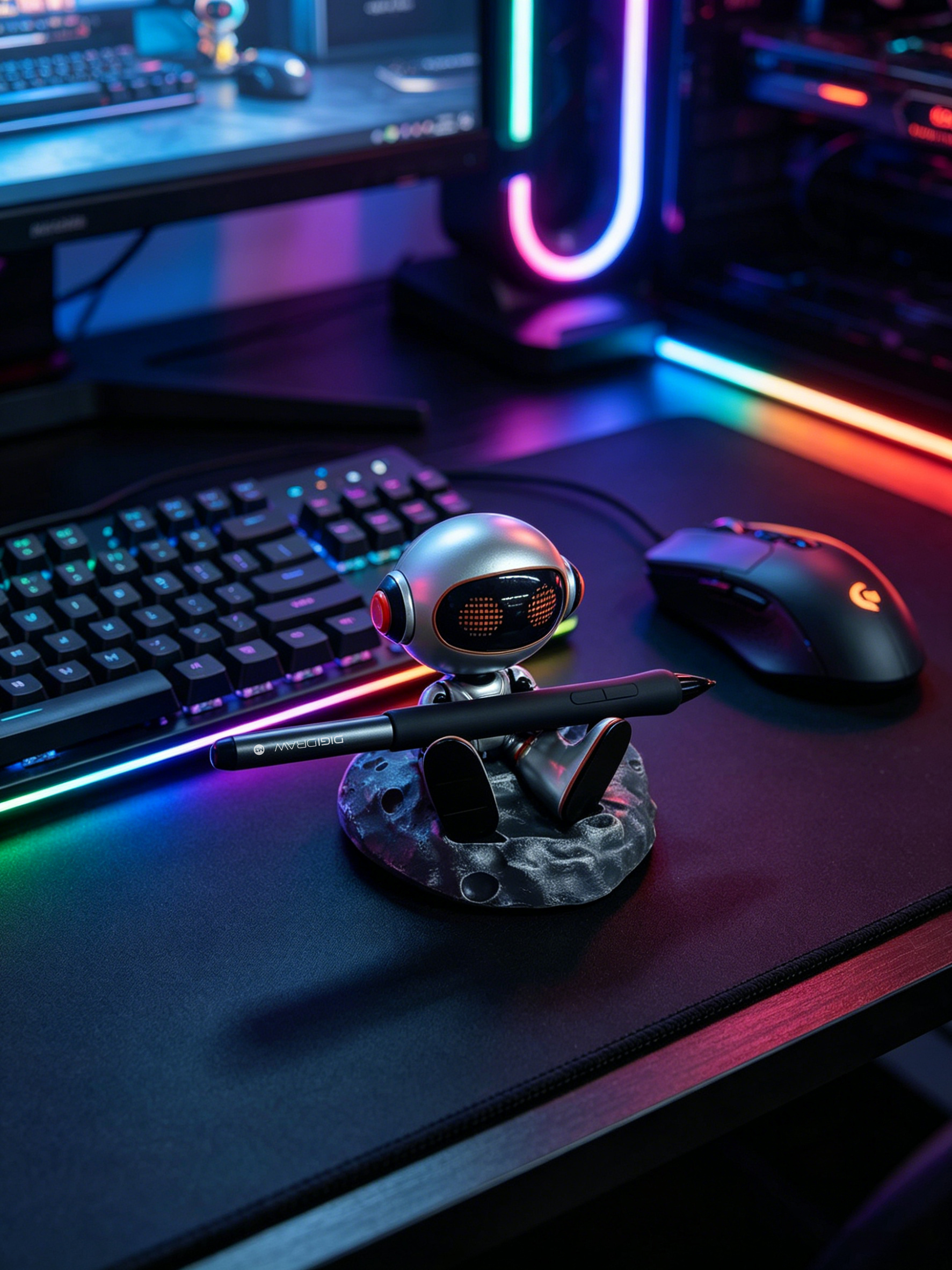 A pen display can have an excellent screen and still feel frustrating if the pen does not respond naturally.
The D1901 uses a 16,384-level pressure system, 5080 LPI pen resolution, a report rate of 300 PPS or higher, and ±60° tilt support.
These specifications describe different parts of the pen-input system.
Pressure sensitivity affects how the device responds to changes in the force applied to the pen.
LPI relates to the detection density of the drawing surface.
Report rate describes how frequently pen-position information is updated.
Tilt allows the device to account for the angle at which the pen is being held.
None of these numbers should be viewed in isolation. The actual drawing experience depends on how the pen system, sensor, driver and application work together. A higher specification on a product page does not automatically make one device feel better than another.
That is one reason practical testing matters more than reading a specification sheet from top to bottom.
There is also a difference between seeing the image clearly and feeling like the pen is actually interacting with it.
The D1901 uses a fully laminated display.
Full lamination reduces the space between the protective glass, display panel and sensing layer, which can reduce the visible gap between the pen tip and the image.
That becomes particularly useful when working on precise lines, lettering and detailed shapes.
The product also uses AG + AF 3.0 Paper-like technology, designed around the physical surface experience rather than simply the display specifications.
This is one of those features that can be difficult to appreciate in a specification list. You notice it more after spending a long period drawing.
There is another reason size matters that has nothing to do with pixels.
It is the way the display fits into the rest of your setup.
A professional workspace might already include:
a main monitor,
a laptop,
reference material,
keyboard and mouse,
storage or audio equipment,
and other creative tools.
A 24-inch or larger pen display can certainly make sense in a permanent studio.
But not every professional works in a permanent studio.
Some creators move between home and office. Others work from a small desk. Some simply do not want a drawing display occupying most of their available workspace.
That is where the 19-inch format becomes interesting.
It offers a substantial canvas without demanding the physical commitment of a much larger professional display.
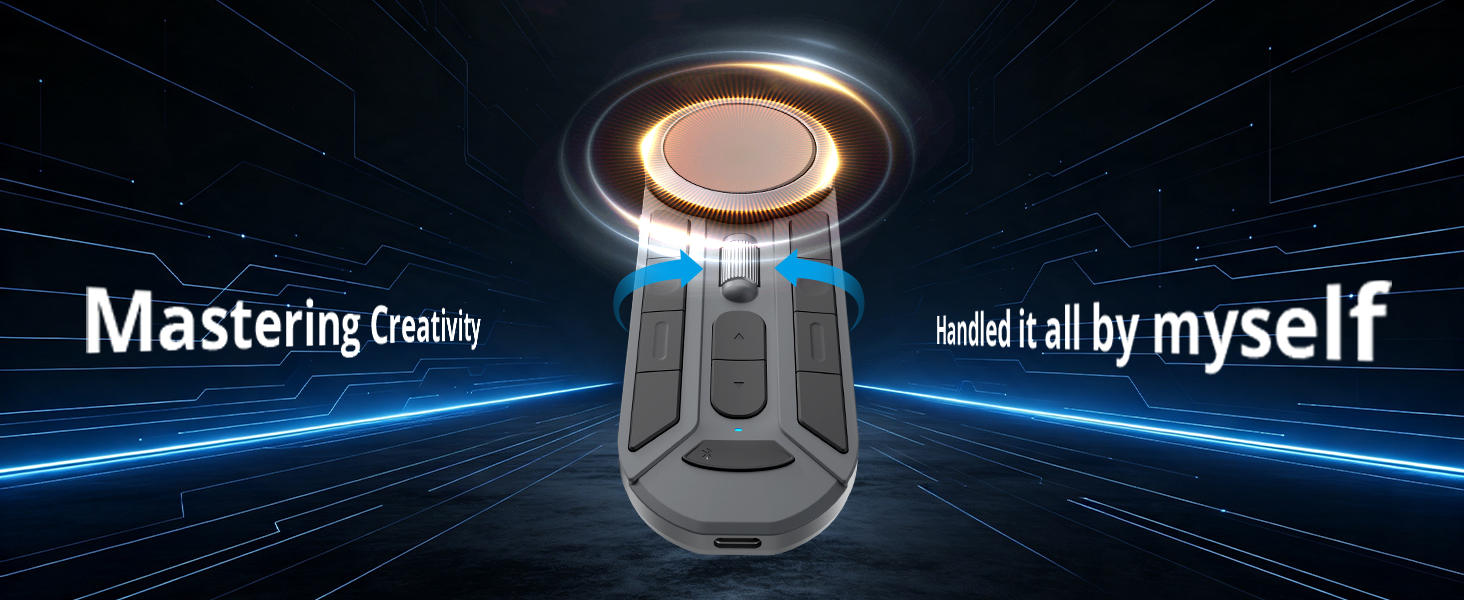 One of the more interesting parts of the D1901 package is that the creative workflow is not limited to the display itself.
The campaign brief identifies the K30 portable shortcut controller as part of the setup, allowing creators to access shortcuts without constantly moving back to the keyboard. It also highlights a color-management solution and color calibrator for users working across multiple displays.
That makes sense because professional workflows are rarely about one piece of hardware in isolation.
A display handles the image.
The pen handles input.
Shortcut controls handle repetitive commands.
Color management helps maintain consistency.
Together, those pieces determine how comfortable the overall workflow becomes.
There is no need for every creator to choose the same size.
A smaller display can make a lot of sense for portability and limited desk space.
A much larger display may make more sense when the workstation is permanent and physical canvas size is the priority.
A 19-inch model sits between those two approaches.
The D1901 is particularly relevant to creators working in areas such as:
Illustration
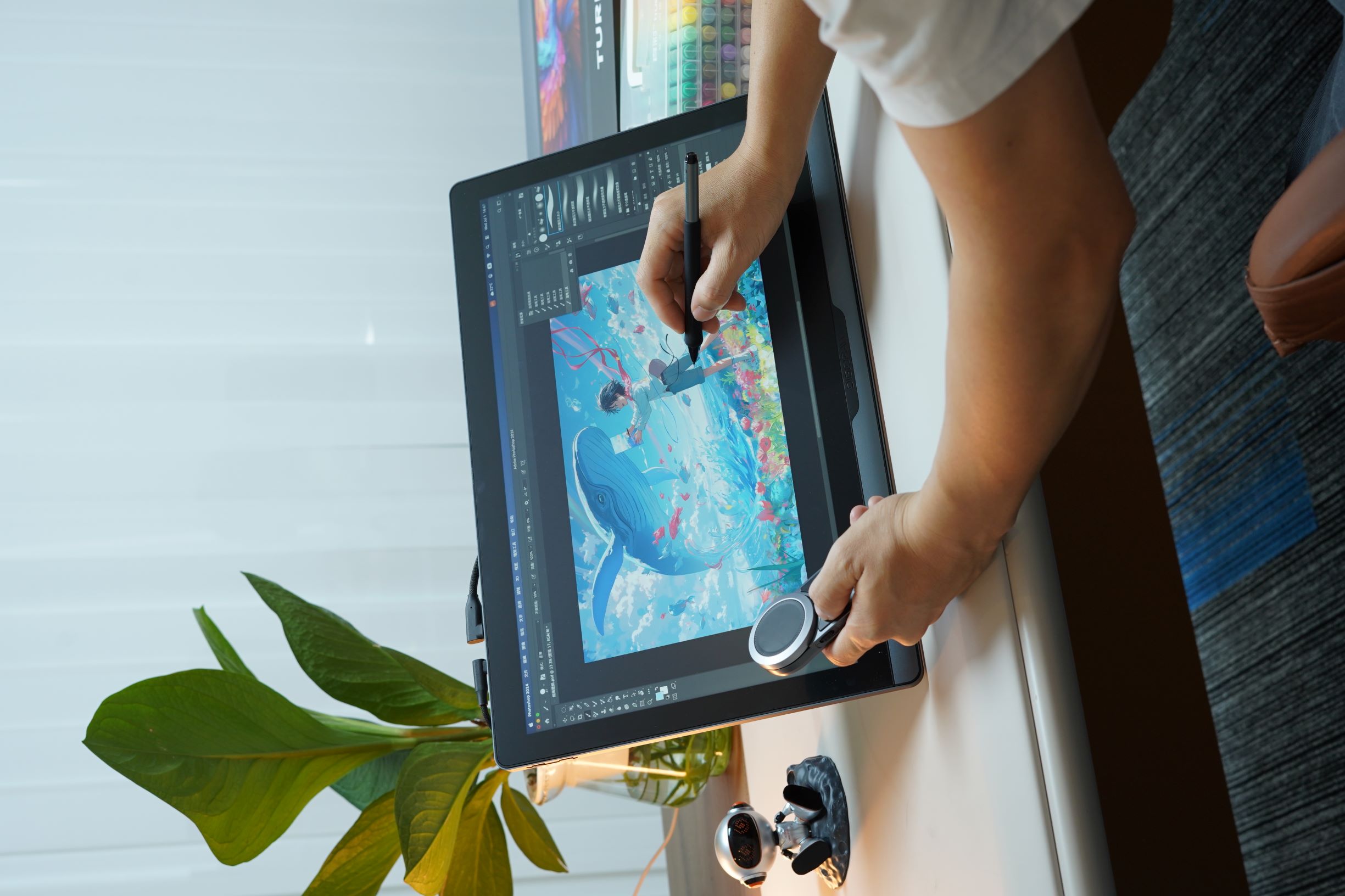
Game and concept art
3D modeling
Product design
Graphic design
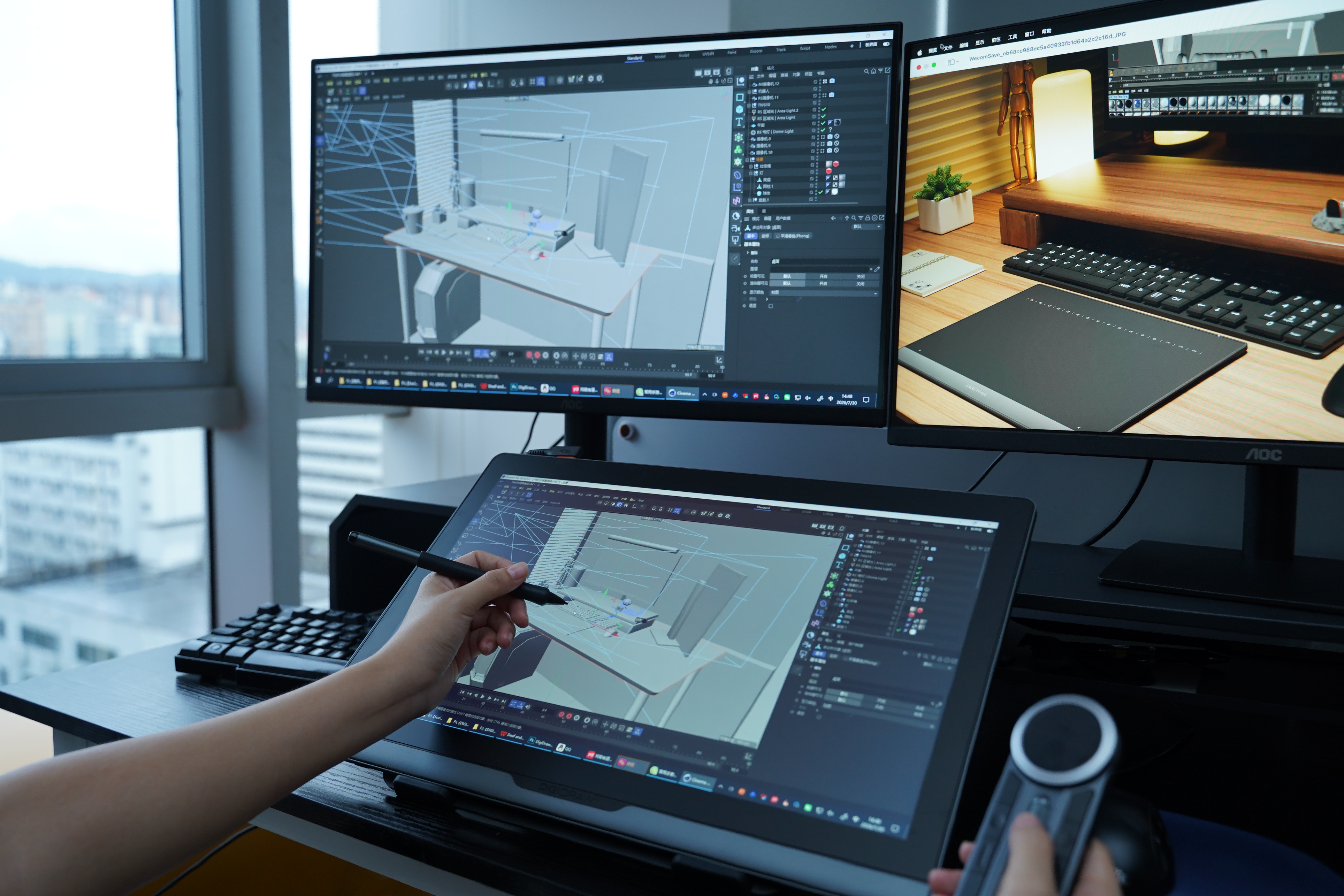
Other professional digital creative work
These are also the types of workflows identified in the D1901T campaign brief.
The exact use case matters more than the job title, though.
If you routinely work with detailed imagery and want more physical room than a compact display provides, 19 inches can be a very practical size.
This is probably the most interesting part of the D1901 positioning.
A 19-inch True 4K creative display with professional-oriented color and pen features would normally be evaluated as a fairly serious piece of equipment.
The campaign's current limited-time offer puts the D1901T at $695.
That price is not the reason to choose the display by itself.
The more useful question is what you are getting around that price.
You are looking at:
19-inch-class workspace
True 4K resolution
High color coverage
Delta E < 1.3
Full lamination
AG + AF surface treatment
16,384 pressure levels
5080 LPI
300 PPS or higher
±60° tilt
plus the workflow accessories and color-management tools emphasized in the campaign.
That combination is what makes the product interesting.
The value is not simply “a cheap 4K display.”
It is the fact that several features normally associated with a more professional setup are being brought together in a 19-inch format.
Not for everyone.
And that is actually the point.
The best screen size depends on how you work, how much desk space you have, how close you sit to the display, how portable your setup needs to be and how much room your applications require.
But 19 inches makes a compelling case for creators who want something substantial without moving all the way into the territory of very large professional displays.
That is where the D1901 makes sense.
It is large enough to give detailed creative work room to breathe.
It is compact enough to remain practical.
It combines a 4K display with professional-oriented color performance and a capable pen system.
And with the current $695 limited-time offer, it sits in an unusually interesting part of the market.
The more useful way to look at it is not:
“Is 19 inches better than 24 inches?”
It is:
“How much screen do I actually need before more screen stops making my workflow better?”
For a lot of professional creators, 19 inches may be closer to that answer than they expect.
For many professional workflows, yes. The useful question is whether the available physical workspace is sufficient for the way you draw and how much room your software interface requires. A 19-inch display provides a larger working area than compact pen displays while remaining more manageable than very large professional displays.
4K can be useful when working with fine lines, textures and detailed artwork. On a 19-inch display, the combination of 3840 × 2160 resolution and high pixel density can produce a detailed image.
It depends on the work. Creators involved in illustration, photography, graphic design, product work or other color-sensitive workflows generally have more reason to prioritize color accuracy and color management than someone drawing purely for casual use.
No. A larger display provides more physical space, but it also takes up more desk space and may be less convenient to move. The right size depends on the creator's workspace and workflow.
Its positioning is based on the combination rather than one individual specification: a 19-inch-class workspace, True 4K resolution, professional-oriented color performance, a high-spec pen system and workflow accessories such as the K30 controller and color-management tools emphasized in the current campaign.


