
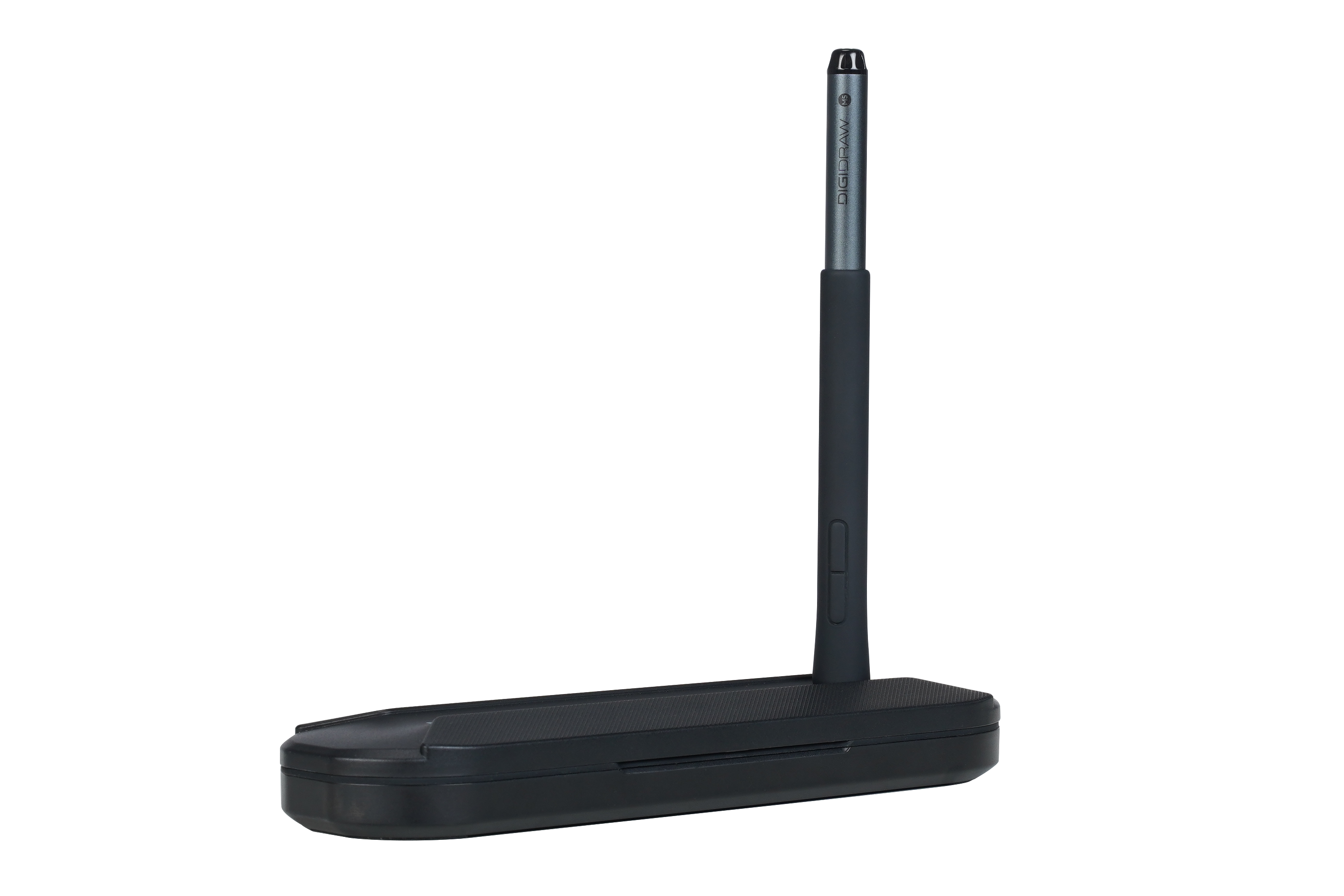
 Pick up an ordinary digital pen and one question seems obvious:
Where does the power come from?
A Bluetooth stylus needs to be charged. A wireless accessory needs a battery. Even a simple electronic device normally needs some kind of power source.
Yet many drawing tablets work with a stylus that has no battery at all.
There is no charging port on the pen. There is no battery indicator to check before a drawing session. The pen can simply rest on the desk and then start working as soon as it is brought over the tablet.
The reason is not particularly mysterious once you understand what the tablet is actually doing.
A battery-free drawing pen works as part of an electromagnetic sensing system, where the tablet provides the energy needed for the pen to communicate with it.
And that relationship is one of the reasons a drawing tablet can do much more than simply move a cursor.
 It is easy to think of a drawing tablet as a flat surface connected to a computer.
But the surface itself contains an important sensing system.
In an electromagnetic resonance, or EMR, design, the tablet generates an electromagnetic field. When the stylus enters this field, components inside the pen interact with it, allowing the pen and tablet to communicate without requiring a battery inside the pen.
That means the basic relationship looks very different from a conventional wireless accessory.
Instead of:
Battery → Pen → Wireless connection → Computer
the system is closer to:
Tablet → Electromagnetic field → Pen → Tablet sensing system → Driver → Creative software
The pen does not need to carry its own rechargeable power source because the tablet provides the energy required for this interaction.
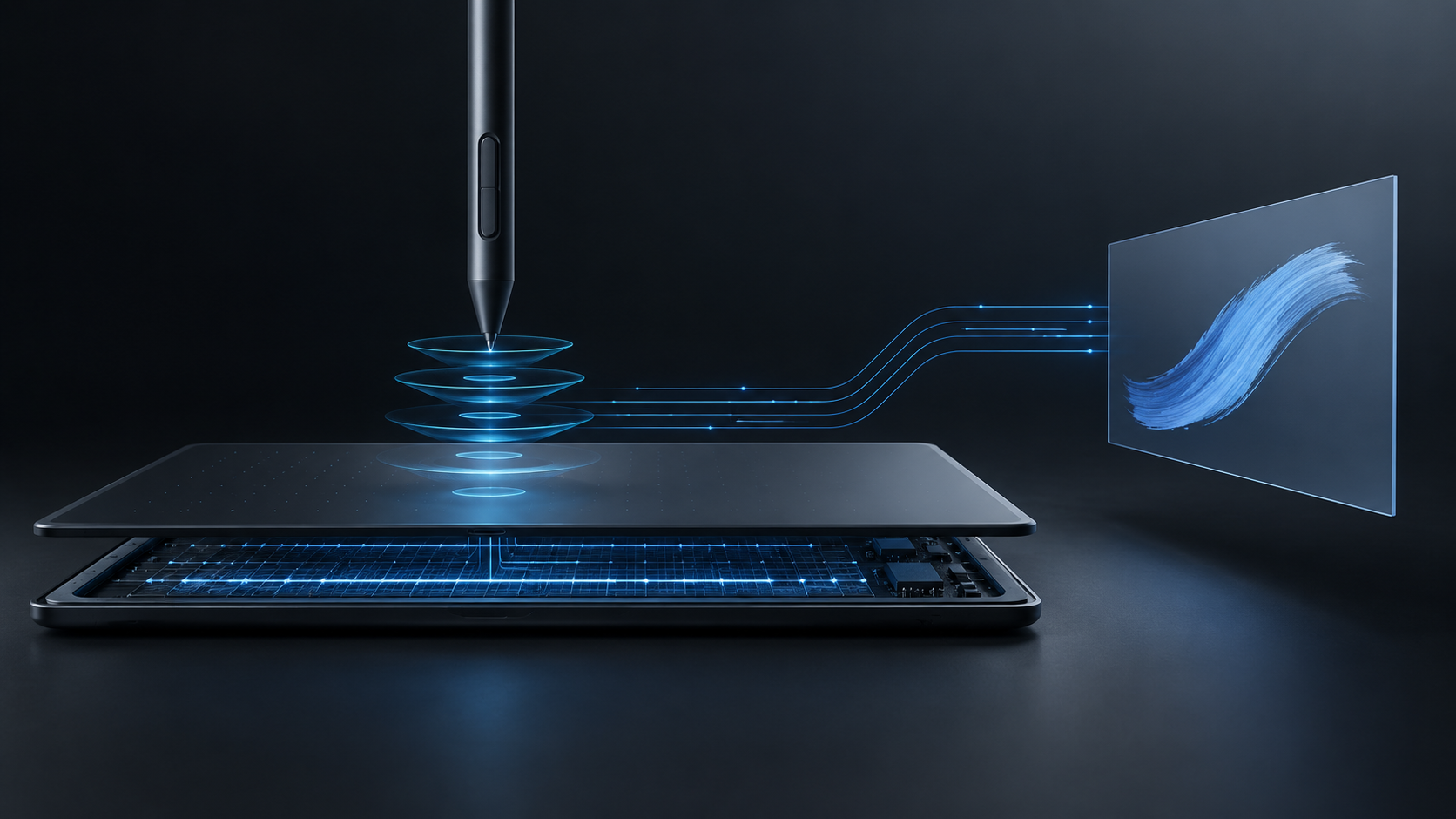 The key is electromagnetic coupling.
The tablet creates an electromagnetic field across its sensing area. Inside the stylus are components such as a coil and other sensing elements that interact with that field.
The pen can therefore operate without a conventional internal battery.
This design also means that the pen does not need to rely on Bluetooth pairing in order to perform its basic drawing function. The source material describes EMR pens as not requiring charging, Bluetooth or an internal battery.
For someone using a drawing tablet, the practical benefit is easy to understand.
There is simply one less thing to manage.
You do not have to stop drawing because the pen battery is empty.
There is no charging cable attached to the pen while you work.
And because there is no rechargeable battery inside, battery degradation is not part of the pen's normal long-term usage cycle.
It sounds like a small design decision.
For people who draw regularly, it can be a very convenient one.
The interesting part is not really that the pen can turn on without a battery.
It is that the same electromagnetic system allows the tablet to understand what the pen is doing.
A mouse mainly tells a computer where the pointer should move.
A drawing tablet is designed to capture much richer input.
The pen and sensing system work together to detect things such as:
Position
Movement
Pressure
Pen angle, when tilt is supported
That information can then be converted into digital data that creative software understands.
So the tablet is not simply asking:
“Where is the pen?”
It is also dealing with a more useful question:
“What is the artist doing with the pen?”
That distinction is at the center of the drawing-tablet experience.
As the pen moves over the tablet's sensing area, the electromagnetic interaction changes.
The sensing system can use that interaction to determine the pen's position and track its movement.
This is what ultimately allows the cursor or digital stroke to follow your hand.
The important point is that the pen does not need to behave like a tiny computer with its own battery, processor and wireless connection.
The tablet is doing much of the sensing work.
That is one of the fundamental differences between a dedicated drawing tablet system and a generic pointing device.
The tablet is built specifically to translate the movement of a stylus into creative input.
 Position alone would not make digital drawing feel much different from controlling a cursor.
Pressure is what gives the stylus another dimension of control.
When you press lightly, the pen's pressure system detects one level of force. When you press harder, it detects another.
That pressure information is converted into digital data and passed to the drawing software, which can use it to change the appearance of the brush stroke.
For example, depending on the brush settings:
A light touch might create a thinner or softer mark.
More pressure might produce a darker, stronger or wider stroke.
This is one reason digital drawing can reproduce part of the expressive behavior of traditional tools.
The important thing is not simply how many pressure levels a pen claims to support.
The actual pressure experience can also depend on the quality of the sensor, pressure-curve tuning, driver optimization and software compatibility.
A large number on a specification sheet cannot tell you the whole story.
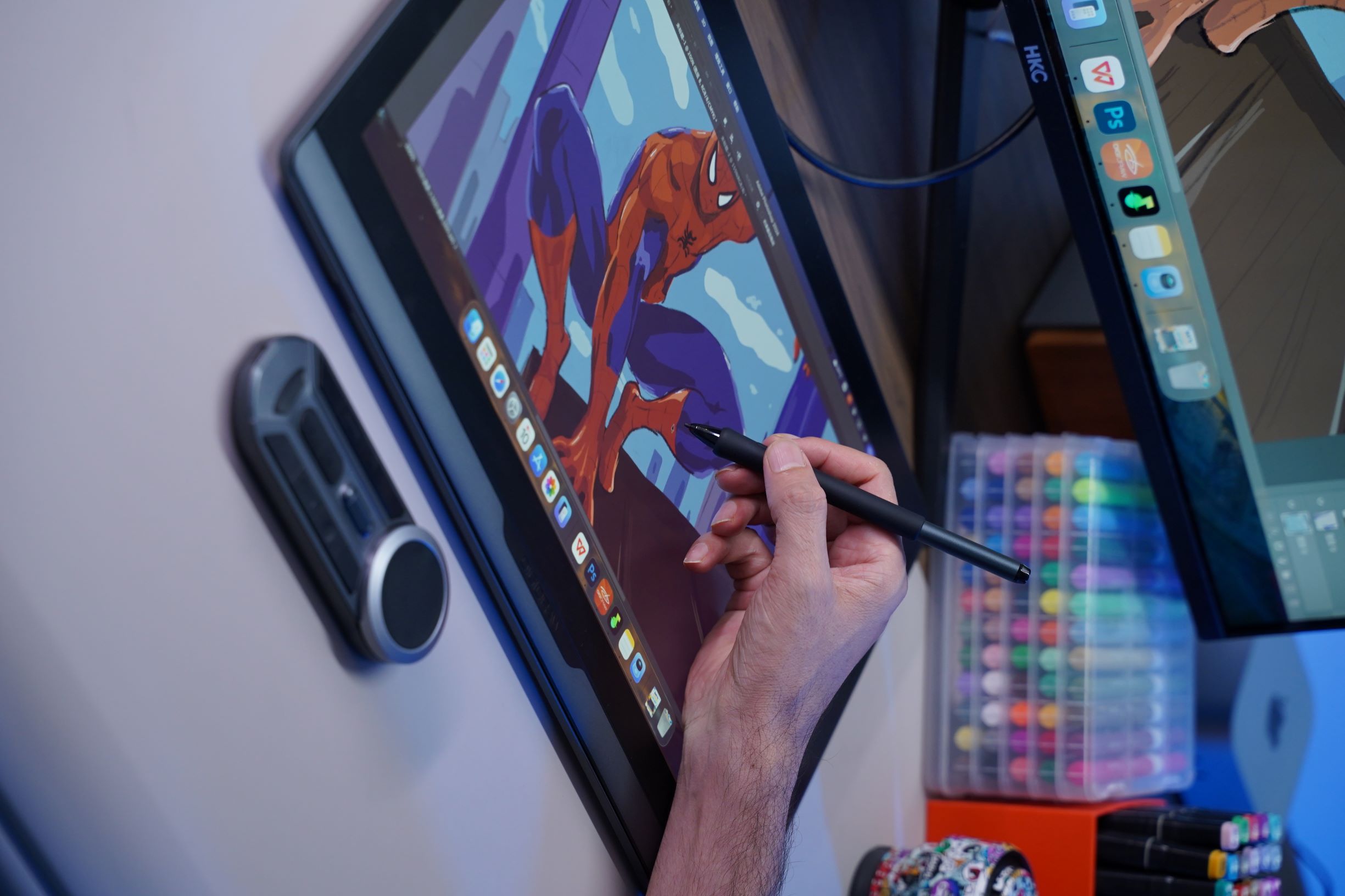 Pressure is not the only input that can come from the pen.
Modern EMR pens can also detect the angle at which the stylus is being held, when the hardware and software support tilt input.
This allows certain brushes to respond differently depending on how the artist holds the pen.
Hold it more upright and the stroke may remain relatively narrow.
Tilt it and the brush can produce a broader or softer mark.
That behavior can be useful for artists who want to simulate traditional pencils, brushes or markers more closely.
Again, the interesting part is not the specification itself.
It is the fact that the drawing tablet can interpret a physical movement that would be almost meaningless to a normal mouse.
A battery-free pen sounds like a technical curiosity until you look at the practical implications.
For a regular drawing workflow, it means the pen is always ready to use.
There is no separate charging routine.
There is no need to remember another battery percentage.
And there is no rechargeable battery inside the pen that gradually degrades over years of use.
It can also help keep the pen relatively lightweight, since the design does not need to accommodate a rechargeable battery.
That matters because a pen is something you hold for hours.
A specification that disappears from your attention is often more valuable than one that looks impressive on a product page.
It is tempting to think of the stylus as the important part because it is the thing in your hand.
But the pen cannot create the drawing experience by itself.
The tablet provides the electromagnetic sensing system.
The pen communicates with that system.
The driver interprets and passes the input to the operating system and software.
The creative application then turns that information into an actual brush stroke.
You can think of it as a chain:
Hand movement
↓
Battery-free stylus
↓
Electromagnetic interaction
↓
Position / pressure / tilt data
↓
Driver
↓
Creative software
↓
Digital stroke
Every stage matters.
That is also why a pen can feel different between different drawing tablets or behave differently between different creative applications. The overall drawing experience is the result of several systems working together, not just the pen itself.
Once you understand how a battery-free stylus works, another question becomes more interesting:
What actually makes one drawing tablet feel better than another?
There is no single answer.
Pressure response matters.
Tracking accuracy matters.
Response speed matters.
Tilt recognition matters when it is part of your workflow.
The surface matters.
And for pen displays, the relationship between the pen and the image matters too.
For example, full lamination minimizes the space between the protective glass, display panel and sensing layer, which can reduce parallax and make the visual relationship between the pen tip and artwork more direct.
This is why looking only at pressure levels or report rate can be misleading.
A natural drawing experience comes from several technologies behaving well together.
When comparing drawing tablets, the battery-free pen is worth understanding, but it should not be the only thing you look at.
A good system should make the important parts of drawing feel predictable.
The pen should respond naturally to pressure.
Movement should be tracked accurately.
Compatible brushes should respond properly to tilt.
The driver should communicate correctly with your creative software.
And, on a pen display, the pen should feel visually connected to the artwork.
In other words, the question is not simply:
“Does the pen have a battery?”
A more useful question is:
“How well does the entire pen-and-tablet system translate what my hand is doing into the digital artwork?”
That is where the real difference lies.
DIGIDRAW uses battery-free stylus technology across its drawing-device ecosystem, with the underlying idea that the pen should remain a straightforward part of the creative workflow rather than another device that needs to be managed.
Its product family includes both screenless drawing tablets and pen displays, allowing the same basic principle of pen-based input to be used in different creative setups.
For professional creative work, the difference between simply detecting a pen and creating a comfortable drawing experience comes from how the pen system, sensing technology, display and software work together.
That is also why DIGIDRAW's professional products focus on the complete workflow rather than one specification in isolation.
For example, the DIGIDRAW D1901T is positioned as a 19-inch True 4K creative display for workflows including illustration, game and concept art, 3D modeling, product design and graphic design. The product is also accompanied by the K30 portable shortcut controller and a professional color-management solution with a calibrator.
The technology inside the pen may be invisible while you work.
That is probably a good thing.
The ideal result is that the artist notices the drawing, not the electronics that made it possible.
The idea of a battery-free drawing pen can seem almost strange at first.
How can something with no charging port still detect movement?
How can it know when you press harder?
How can it recognize the angle of the pen?
The answer is that the pen is not working alone.
The drawing tablet creates the electromagnetic environment that powers and communicates with the stylus. The pen interacts with that field, and the resulting information allows the system to capture position and other supported inputs such as pressure and tilt.
From there, the driver and creative software turn those signals into something much more familiar:
a line,
a brush stroke,
a shadow,
a sketch,
or eventually a finished image.
That is the clever part of a drawing tablet.
The technology is doing a lot of work.
But when it works properly, you hardly notice any of it.


